Meetings
Meeting notes, written on your Mac.
When a call starts, Lipboard asks once. Say yes and it writes down who said what, on your Mac, and has the summary ready when you hang up. Recordings and transcripts are kept on your Mac.
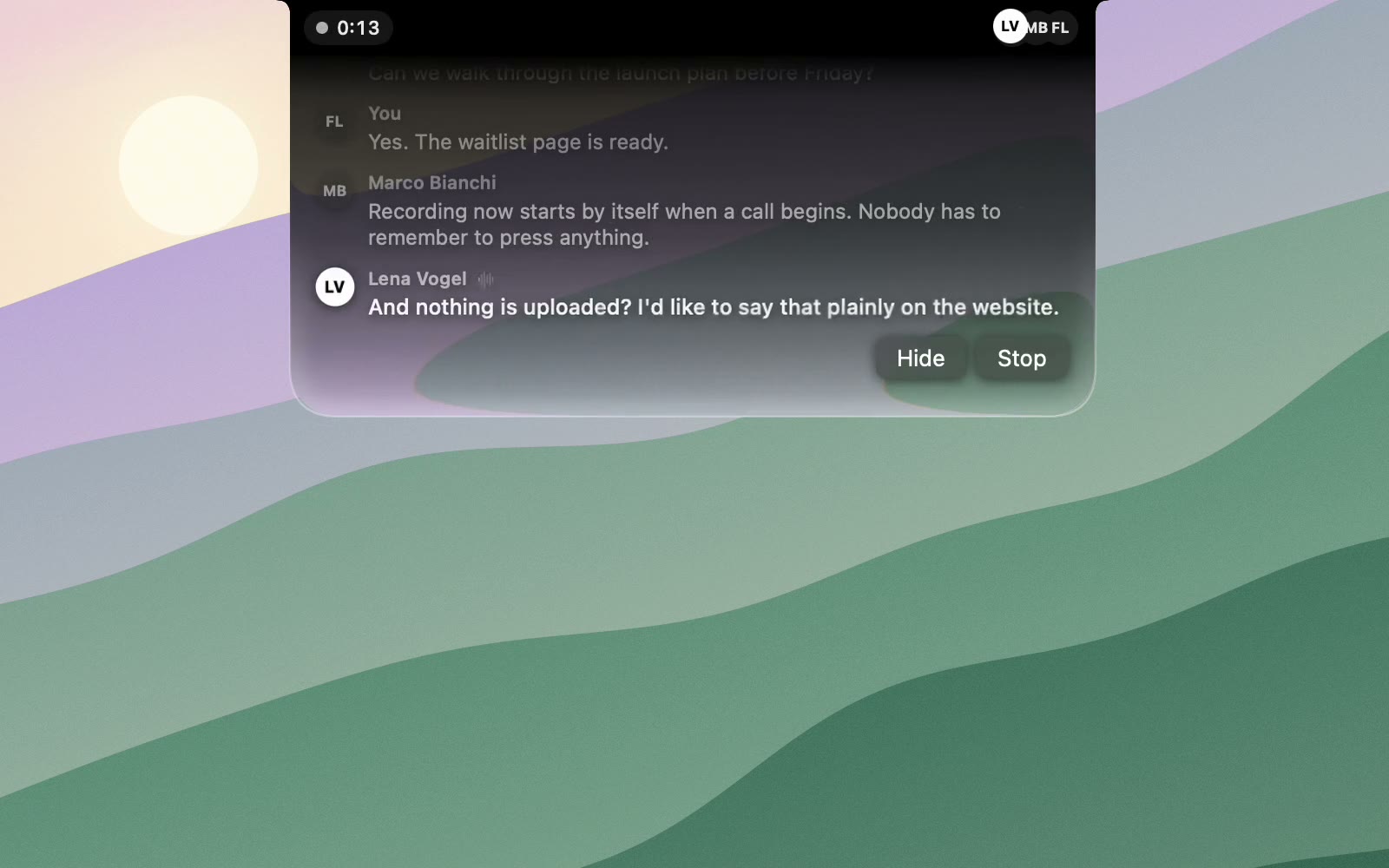
One question, in the notch
Zoom, Teams, Google Meet, Slack and FaceTime. While you talk it keeps to a slim bar: the time, and who is speaking. Rest the pointer on it for the last few lines.
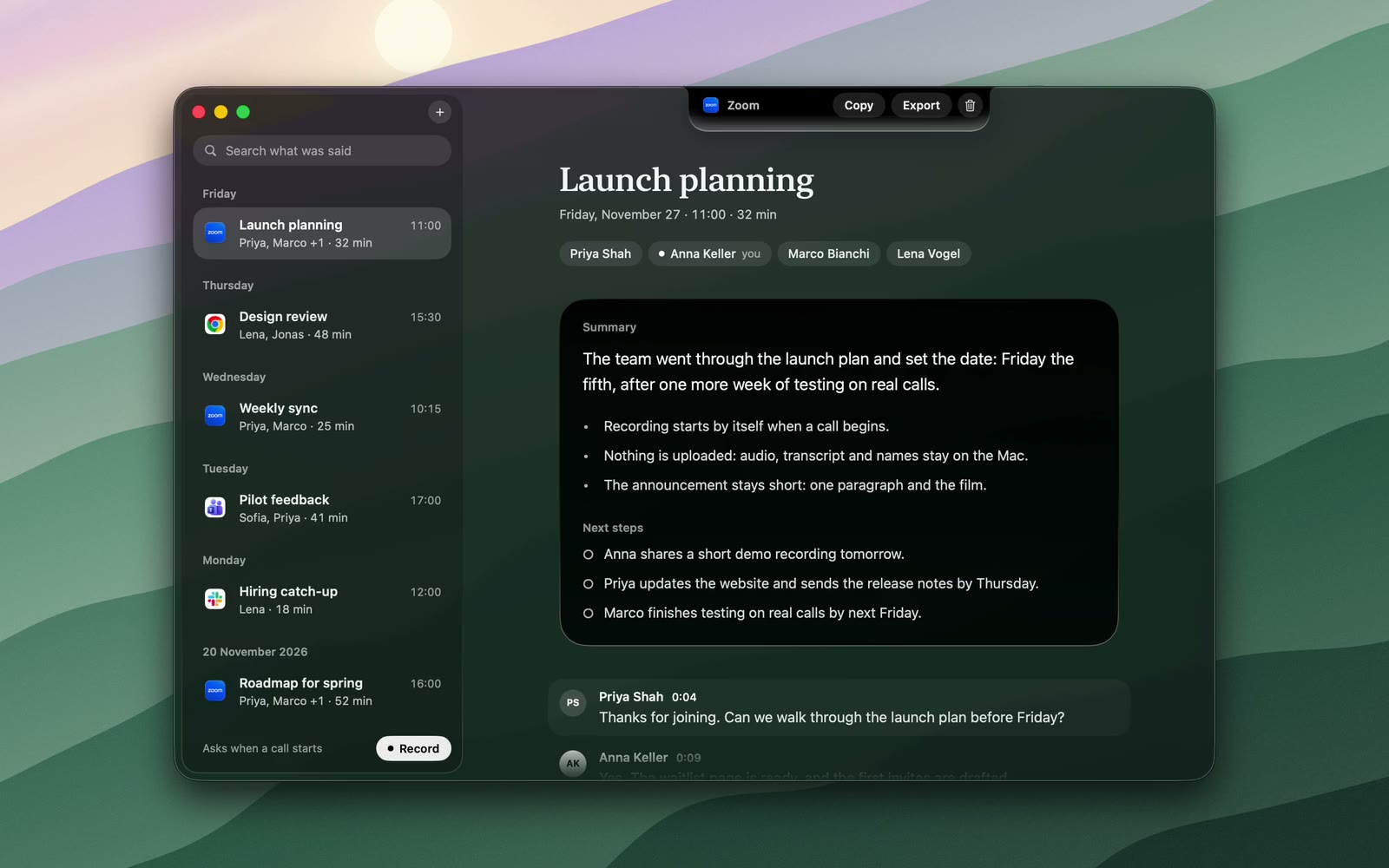
The summary writes itself
What was agreed, the points that mattered, and who does what next. On Macs with Apple Intelligence it is written on the Mac itself, without being asked.
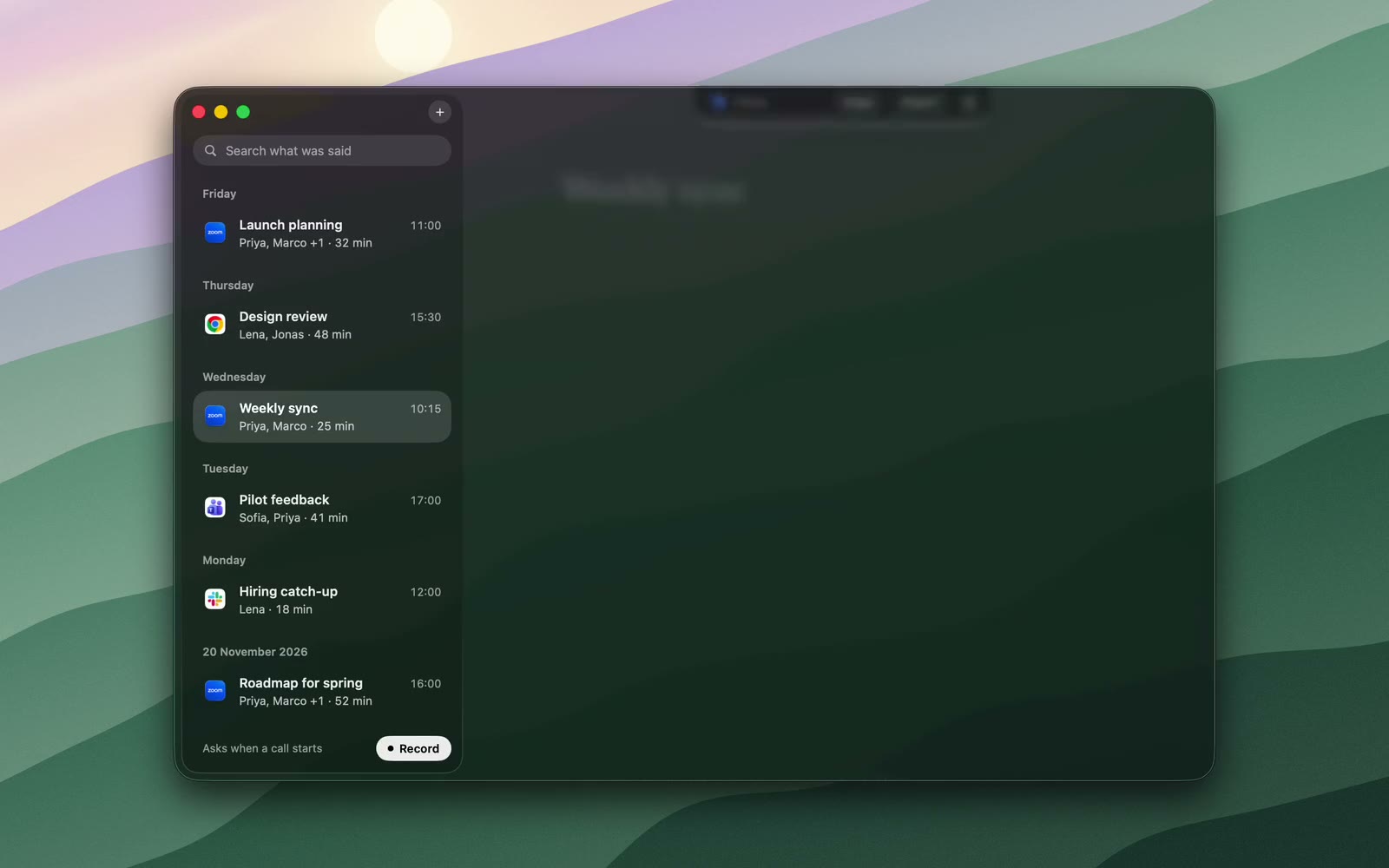
Every call, a page
Title, people, summary, transcript. Play it back from any line, or export it.
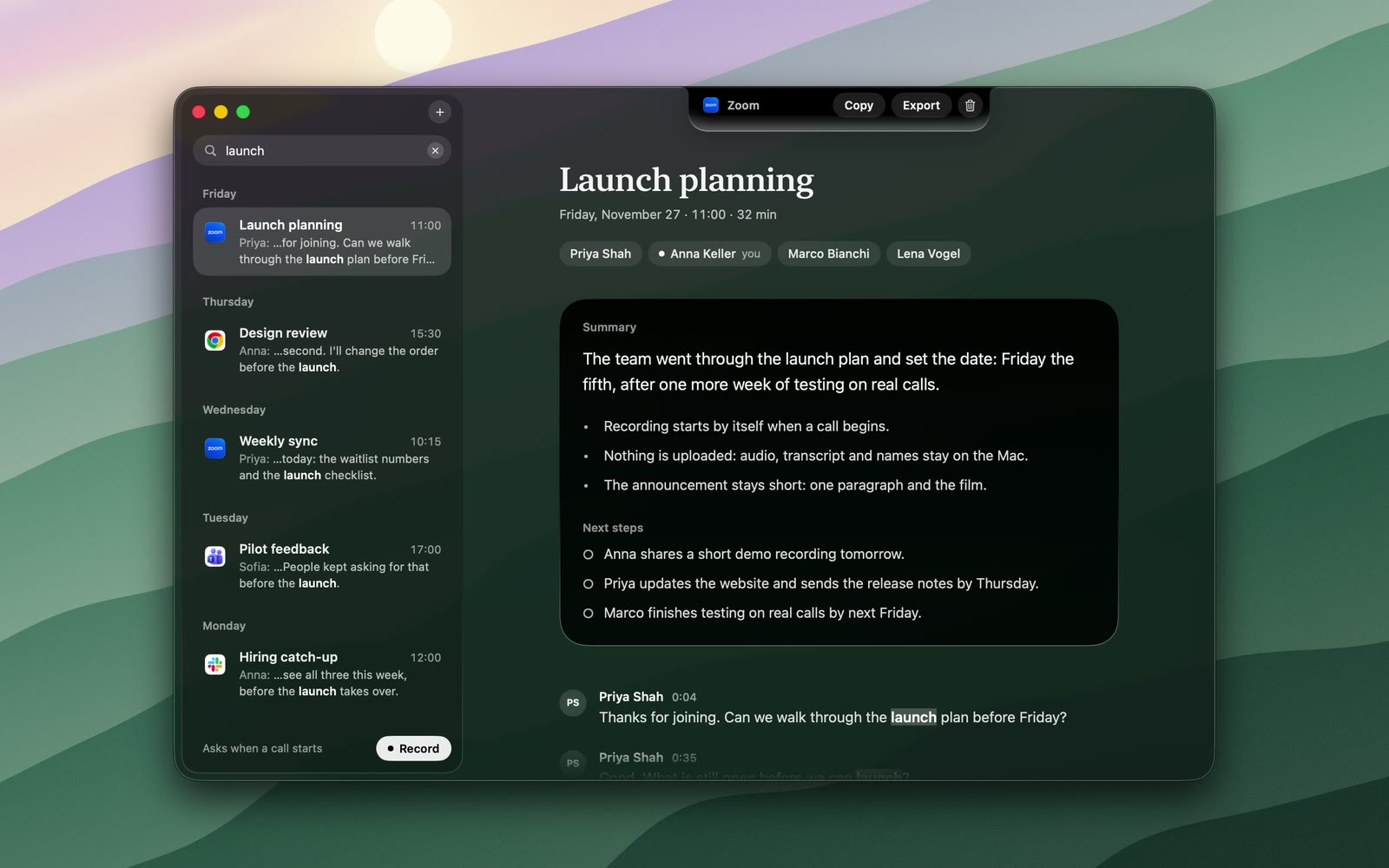
Find the sentence
Search every call for what was said, and who said it.
Your other tools can read them.
Meetings are plain files with a command on top. Claude Code, Codex, or anything else that can run a command can search what was said, read a call, and write a better summary back.
- When a meeting is finished
- Lipboard can run a program of yours: an agent that drafts the follow-up while the call is still fresh. Nothing runs unless you put it there.
$